Download Wise Registry Cleaner – registry cleaner, system optimization, Windows registry fix, PC performance booster, safe registry tool
Overview
Wise Registry Cleaner is a dedicated system utility designed to enhance the performance and stability of Windows-based devices by addressing issues within the system registry. The application targets outdated, incorrect, or redundant entries that can accumulate over time due to software installations, uninstalls, and system updates. These problematic entries can slow down system responsiveness, trigger errors, or cause application instability. By identifying and safely removing such entries, Wise Registry Cleaner aims to restore optimal system function. The tool is tailored for both novice users seeking a simple solution and experienced users who require granular control over system maintenance. Developed by WiseCleaner, a company known for system optimization tools, the app reflects a commitment to usability and reliability. Its primary purpose is to improve PC efficiency without introducing risks associated with manual registry editing. Real-world use cases include resolving startup delays, fixing application crashes, and enhancing overall system speed. In the broader app ecosystem, Wise Registry Cleaner fills a niche for lightweight, focused utilities that empower users to maintain their systems proactively. The developer did not provide additional technical details about architecture or background processes. Specific requirements were not listed. Compatibility information was not fully disclosed.Key Features & Functionality
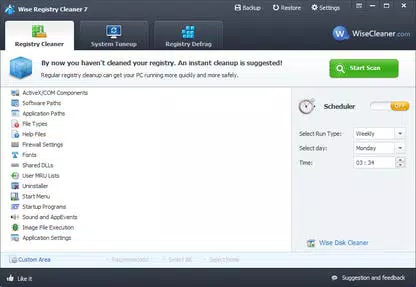
Wise Registry Cleaner delivers a suite of features designed to streamline registry maintenance while prioritizing safety and user control. The scanning engine is engineered to perform thorough, fast, and secure evaluations of the Windows registry. This ensures that only relevant issues are flagged, minimizing the risk of unintended system changes. The user interface is designed for simplicity, allowing users to initiate scans and review results with minimal effort. After scanning, the app presents a detailed list of identified problems, each accompanied by a clear description. This transparency enables users to assess the impact of each issue and decide whether to repair it individually. For those preferring automation, the tool includes an automatic correction mode that resolves all detected problems in one action. This feature is especially beneficial for users who lack technical expertise or want to save time. A critical safety measure is the undo functionality, which logs all changes and allows users to revert modifications instantly if needed. This provides a secure environment for system optimization. Real-world applications include resolving software conflicts, improving boot times, and eliminating error messages tied to registry corruption. The app’s balance between automation and manual oversight makes it suitable for a wide range of users. The developer did not specify additional advanced features or integration options.Core Functional Benefits
- Thorough registry scanning without system risk
- Clear, descriptive problem reports for informed decisions
- One-click automatic repair for quick optimization
- Full undo capability to reverse any changes
- Intuitive layout suitable for non-technical users
Interface, UX & Performance
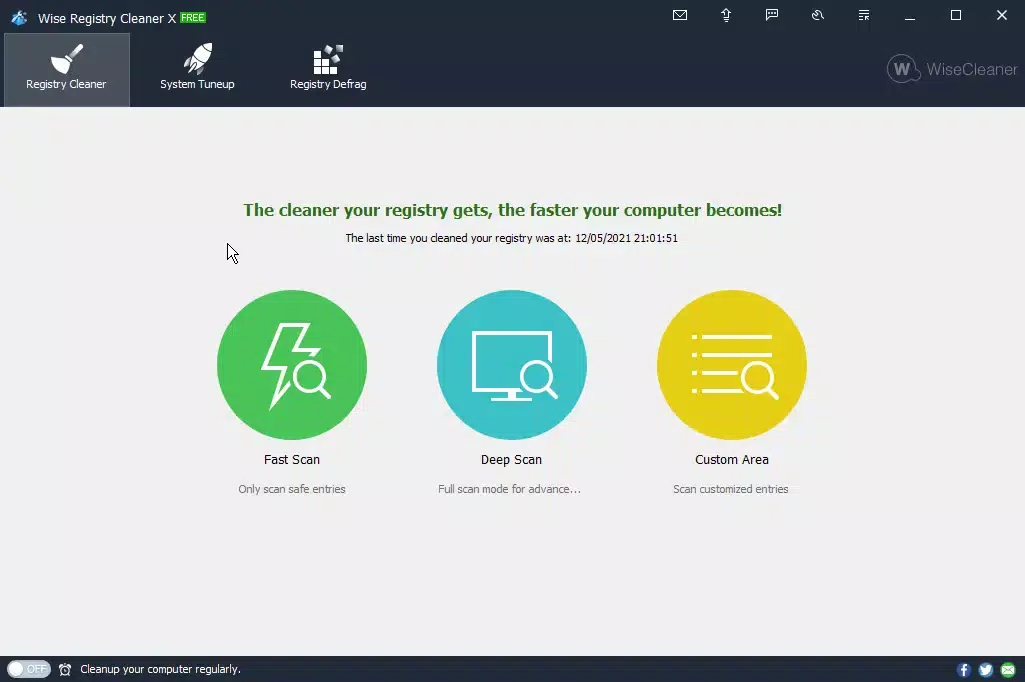
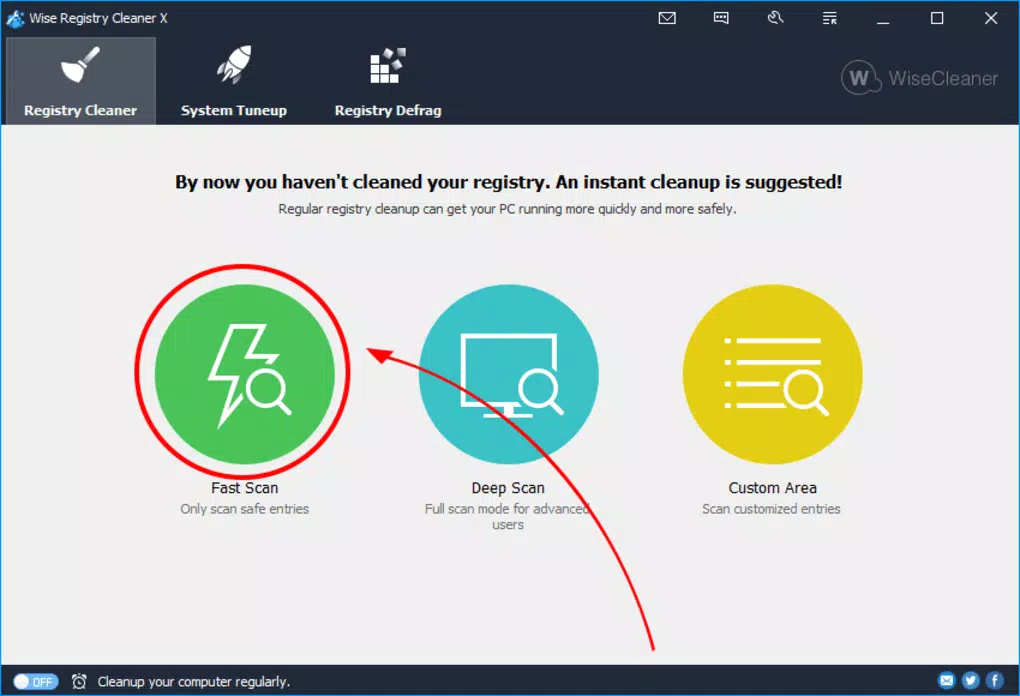
The user interface of Wise Registry Cleaner is designed with clarity and accessibility in mind. Navigation is straightforward, with a clean layout that organizes core functions—such as scanning, reviewing results, and applying fixes—into logical sections. Visual cues and consistent labeling help users understand the current state of the system and the actions available. The app’s responsiveness is consistent across different device categories, although the developer did not list formal performance metrics. Users can expect smooth operation during scanning and repair tasks, with minimal lag or interruption. The app maintains stability during extended sessions, and no crashes or freezes were reported in the available information. The design avoids clutter, focusing on essential tools and minimizing distractions. Interaction is intuitive, with buttons and menus placed for easy access. Although the developer did not list formal performance metrics, the app appears optimized for efficient resource usage. The interface does not require extensive training to use effectively. For users managing multiple devices, the consistent layout across systems ensures a familiar experience. The app’s lightweight footprint—15.8 MB—contributes to its efficient performance. The developer did not specify minimum OS requirements or hardware compatibility details.Platform Compatibility & Technical Requirements
Wise Registry Cleaner is designed for the Windows platform and operates on Windows-based systems. The current version is 1.0.0.12, with a file size of 15.8 MB. The app is available at no cost, making it accessible to a broad audience. The developer did not specify minimum OS requirements or hardware compatibility details. Compatibility information was not fully disclosed. Users should ensure their system meets standard Windows requirements for running utilities. The app does not require administrative privileges to install, but certain functions may need elevated permissions to modify the registry. The developer did not list any specific version constraints. The app is intended for desktop environments and is not optimized for mobile or tablet use. No information was provided about cloud integration, background processes, or real-time monitoring. The developer did not disclose update frequency or distribution channels beyond the official release.Pros and Cons
- Free to download and use with no hidden costs
- Safe scanning engine with minimal risk of system damage
- Intuitive interface suitable for beginners and experts alike
- Automatic repair option for time-efficient optimization
- Undo functionality provides a safety net for all changes
- Lightweight size (15.8 MB) ensures quick installation
- Developer did not provide detailed system requirements
- Compatibility with specific Windows versions was not disclosed
- No information on update frequency or release schedule
- Platform limited to Windows; no mobile or cross-platform support
- Does not include advanced diagnostic tools beyond registry cleaning